
Hand Pacing – Focus & Pace Your Reading
Hand pacing: Control your attention and reading pace. With AI.
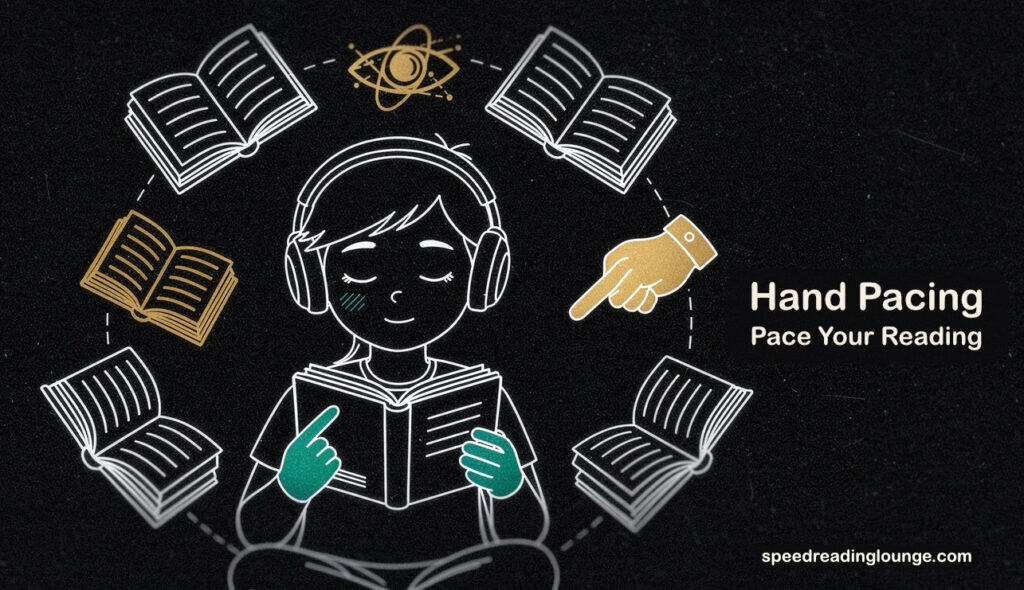
Hand pacing is a speed reading technique that uses a visual guide—your finger, a pen, or a mouse cursor—to lead your eyes across the text.
Most of us learned this naturally as children. We placed a finger on the page without thinking, and somehow it worked. Then school taught us to read “properly,” which apparently meant removing the guide.
We were told it looked slow. Like training wheels on a bicycle. Chances are, you have forgotten that this technique ever helped you. But the instinct was sound.
When you read without a pacer, your eyes wander. They skip backward to re-read words you already processed—regression, which wastes time without adding meaning. They pause too long on individual words, letting your mind drift into tangents. A visual guide creates a rhythm. Your eyes follow instead of searching.
This matters because what has changed is not the principle. The principle—that the eye needs a conductor—remains as true today as it was when you were seven. What has shifted is where the conductor comes from.
It might now be your mouse cursor gliding under sentences on a desktop. It might be a stylus on a tablet, creating that same kinetic rhythm. Or it might be an AI algorithm that highlights certain letters, or flashes words one at a time on a screen.
What this tutorial is about
This guide explores all three: the manual hand pacing techniques that have never stopped working, the digital tools that adapt them for screens, and the AI systems attempting to automate pacing entirely.
You will learn which method serves which reading task—deep study, quick scanning, or accessibility when focus is difficult to maintain.
The goal is not velocity for its own sake. It is attention management. Whether you are holding a paperback or scanning a PDF, you will discover how to choose the right pacer—manual, digital, or artificial—to keep your mind locked on the message.
Why Pacing Works: The Biology of Attention
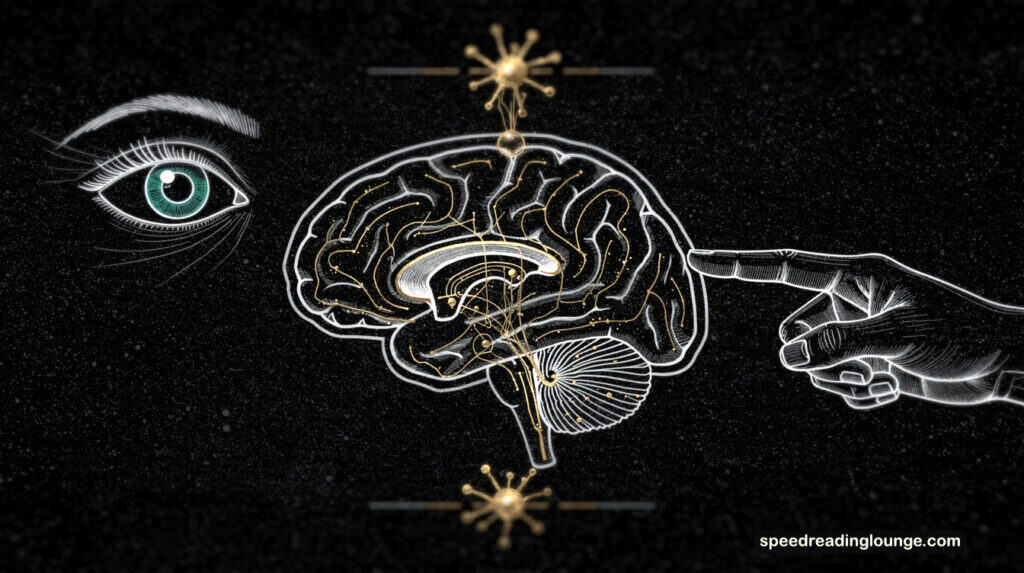
If you could watch your own eyes read, you would be unsettled. We feel like we are panning a camera smoothly across the horizon, but the reality is more like a strobe light.
Your eyes make ballistic jumps called saccades, landing on a word for a fraction of a second before leaping again. Between these landings, the world goes dark. Without a visual pacer, this system becomes chaotic.
The untreated eye has a nervous tic: it constantly skips backward to verify what it just saw. This is regression, and it consumes roughly 15% of your reading time. Often, you don’t even know you’re doing it. It is a micro-stutter in your attention, a lack of trust in your own short-term memory.
The Mechanism: Exogenous Attention
Meta-guiding works because it hacks a specific brain reflex. It relies on exogenous attention—your hardwired compulsion to track moving objects.
When a finger or cursor glides under the text, it acts as a kinetic anchor. It turns the abstract task of “decoding symbols” into the physical task of “tracking a target.” Your eye stops wandering and starts hunting.
The Limitation: Saccadic Conflict
Ideally, this creates a flow state. But we must be honest about the biology: there is a limit.
- Continuous Motion: Your hand (or mouse) moves smoothly.
- Ballistic Motion: Your eyes move in jumps.
If the pacer moves too fast, the two decouple. This phenomenon is known as saccadic conflict. You might feel like you are reading faster, but you are actually just watching your finger move while your brain waits for the data to catch up.
To avoid this decoupling, you need the right tool for the terrain. While algorithms are catching up, the most responsive pacer you own is still the one attached to your wrist.
Overall, pacing your reading will
- improve your comprehension
- increase your pace
- guide your eye during reading
- improve retention
- improve concentration and flow
- reduce regression
- teach your mind to concentrate without distractions
- save time and energy
- support the top reading strategies (previewing | chunking of words).
3 Manual Hand Pacing Techniques
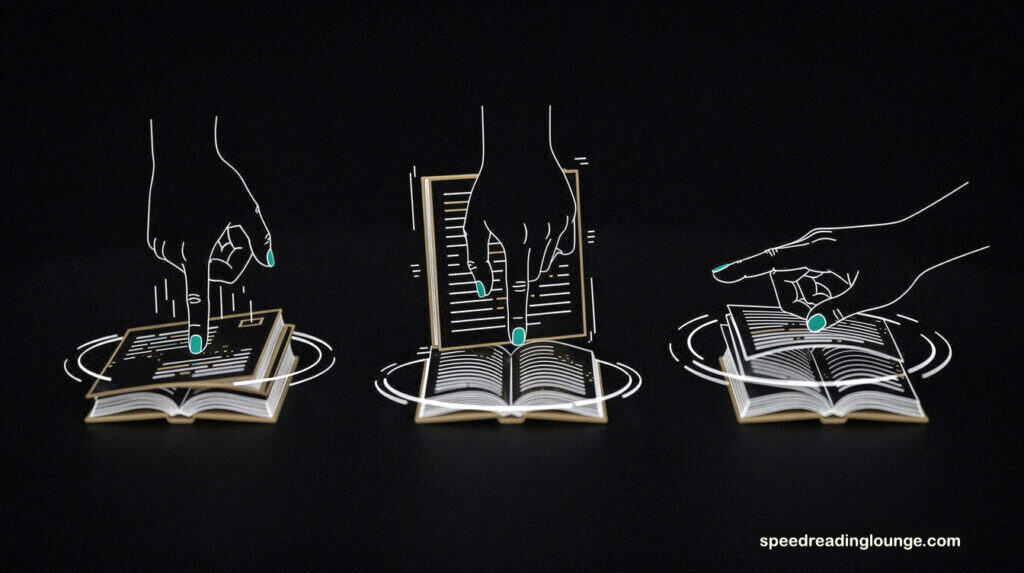
Three core methods exist, each building on the visual anchor principle. They differ in what they block, how they move, and the cognitive demand they create.
1. The Pointer Method (The Smooth Glide)
Your index finger becomes a conductor. Place it just below the first word and move it smoothly beneath each line as you read, maintaining a rhythm that keeps your eyes moving forward without pause.
This is the most natural variation because your hand motion matches the left-to-right flow of the text. Your eyes follow effortlessly. The discipline here is simple: keep moving, never backward, even when you feel you’ve missed a word. This continuous momentum helps silence the internal narrator, making it a practical tool for reducing subvocalization.
On paper, your finger can obscure words below the line. The rhythm must match your comprehension speed, not exceed it. This is where most readers fail—they treat the finger as a speedometer instead of a metronome.
Digital equivalent: Mouse pacing.
Use your cursor to trace each line as you would your finger. On desktop browsers, gliding the pointer beneath text replicates the method perfectly. On mobile, your thumb replaces your finger, though smaller screens make this awkward.
2. The Card Method (The Regression Blocker)
Slip a blank card or folded paper above the line you are reading. Pull it down the page as you progress. This blocks your view of the text you’ve already read, making regression physically impossible.
This pacing method is aggressive. It forces commitment. You cannot backtrack because you cannot see what you’ve already processed. This trains the mind to trust its comprehension the first time—a critical skill discussed in our guide on reading comprehension strategies.
The cost of this trust is initial discomfort. Your brain rebels against the inability to look back. But this rebellion fades quickly. Within minutes, your mind adapts. You stop reaching for what you cannot retrieve.
Digital pacing equivalent:
Line Focus Mode in Immersive Reader (Microsoft Edge, Word).
This feature darkens all text except 1, 3, or 5 lines at a time. It is the digital port of the Card Method—you see only the present moment, nothing more.
3. The Sweep Method (The Scanner)
Move your hand in a diagonal or serpentine pattern down the page—typically a zig-zag from upper right to lower left, then back. This encourages your peripheral vision to capture words outside your direct focus.
This method trains you to read in clumps rather than individual words. You sacrifice precision for speed. It pairs naturally with skimming and scanning techniques for content triage.
- Expands your perceptual span (how many words you process per fixation).
- Creates a natural scanning rhythm for previewing.
Comprehension drops initially because you are reading fewer words consciously. This is best suited for content where you don’t need word-perfect accuracy—articles, emails, summaries, research overviews.
Digital pacing equivalent: Auto-scroll.
Tools like Spreeder or some browser extensions scroll text automatically at a set speed, forcing the sweep-like motion on screen. The reader must keep pace or fall behind, which paradoxically feels less like “trying harder” and more like “just keeping up.”
Bridging the Gap: From Manual to Digital Pacing
Each of these hand pacing methods assumes paper and a moving hand. But reading has moved to screens, and the physics are different. Your mouse cursor doesn’t smudge glass. Your stylus on a tablet creates tactile feedback that your finger on paper never could.
The principle remains constant: a moving visual guide plus forward momentum equals reduced regression. The next evolution is the algorithm—one that doesn’t just guide but predicts, adapts, and responds to your pace.
3 Digital Hand Pacing Techniques on Screens
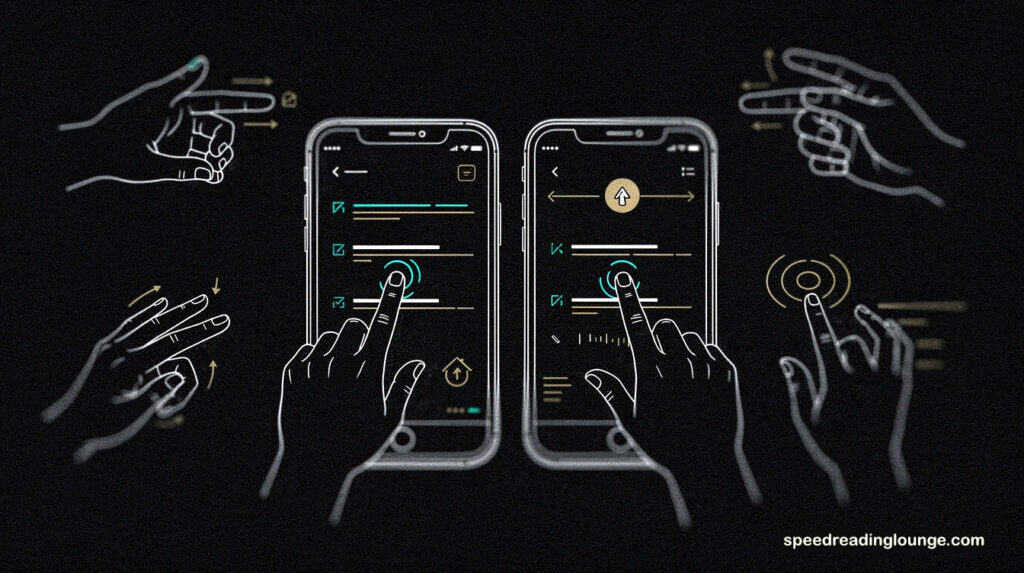
Paper folds. Glass doesn’t. When you moved your reading from the page to the pixel, the pacer had to evolve.
A finger on paper is tactile and proprioceptive. You feel the friction. Your brain knows where your hand is without looking. On a screen, this feedback vanishes. The cursor is weightless, instantaneous, slightly disorienting. But it works—if you know how to use it.
1. Mouse Pacing on Desktop
The simplest translation: drag your mouse pacing pointer beneath each line as you read. It replicates the Pointer Method exactly. The cursor replaces the finger.
The advantage is precision. You control the speed without the physical fatigue of moving your hand. Move too fast, though, and your eyes decouple. The cursor becomes a blurry streak. You are no longer reading—you are watching a target move while your brain waits for the data.
2. Stylus Pacing on Tablets
A stylus on an iPad or Android tablet restores the tactile feedback that the mouse lacks. You press, feel resistance, and move with intention. This is closer to the paper experience than any digital reading tool yet invented.
For deep reading, this is superior. Your motor cortex engages, aiding memory retention through embodied cognition. You are not just passively following; you are writing your way through the text.
3. The Friction Trade-off
Digital tools eliminate the awkwardness of manual pacing. Your hand doesn’t smudge the screen. Your wrist doesn’t fatigue. But this ease comes at a cost: the physical commitment vanishes.
It is easier to slip back into passive scrolling when the digital pacer feels weightless. This is where speed reading apps begin to matter—not as replacements for the hand, but as guardrails for focus.
But even guardrails have evolved. What started as a finger on paper has become something stranger: AI algorithms that don’t just guide your eye, but predict where it will go next. The pacer is no longer something you move. It moves for you.
#w3: Tone & Voice Enforcement (AI-Powered Metaguiding)
AI Metaguiding: Algorithms as a Pacer
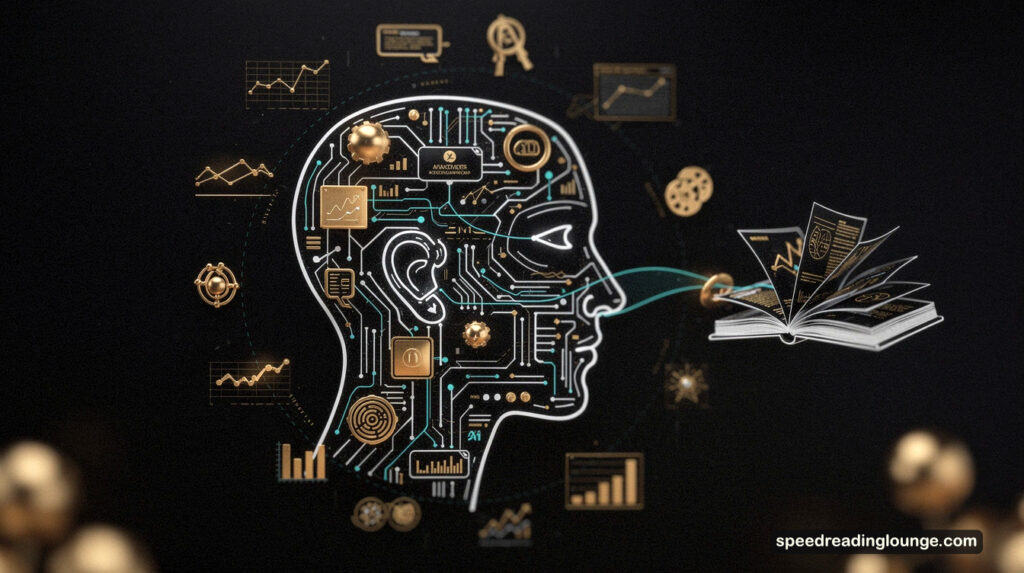
The problem with a finger is that it gets tired. The problem with your mouse is that it requires constant intention. What if the pacer could anticipate your eye before it moved?
This is the promise of AI-powered metaguiding. The pacer no longer moves for you. It moves with you, or it moves ahead of you, depending on the tool and the mechanism.
Structural Pacing: Highlighting the Path
Bionic Reading works by bolding the first letters of each word, creating artificial fixation points. The theory: your brain processes words faster than your eyes, so you only need to “see” the skeleton of each word.
The reality is more complicated. Some studies find no difference in speed; others report improvements for readers with ADHD and dyslexia. What actually happens is that the highlighting feels easier, reducing cognitive load. It is less about speed reading and more about focus.
BeeLine Reader uses color gradients instead of bold. Lines fade from red to blue, guiding your eye horizontally and preventing line skip. Particularly effective for accessibility, but like Bionic Reading, it does not unlock 1000 WPM.
Force Pacing: RSVP (Rapid Serial Visual Presentation)
Tools like Spreeder flash one word at a time in a fixed location. No eye movement. No regression. Pure velocity.
But velocity without comprehension is not reading. Research consistently shows that above 250 WPM, understanding collapses. You process words but retain little. It is skimming dressed as AI speed reading software, and we should be honest about that.
Reactive Pacing: The Future (Gaze-Contingent)
Eye-tracking technology allows AI to detect exactly where you are looking and adjust the display in real time. If you stumble on a word, the system pauses. If you accelerate, it follows.
This is closest to the original vision of meta-guiding: a pacer that responds to you, not the other way around. It remains experimental, e.g., hardware, latency, and calibration all present obstacles, but the concept is sound.
The Hybrid Strategy: Choosing Your Pacer
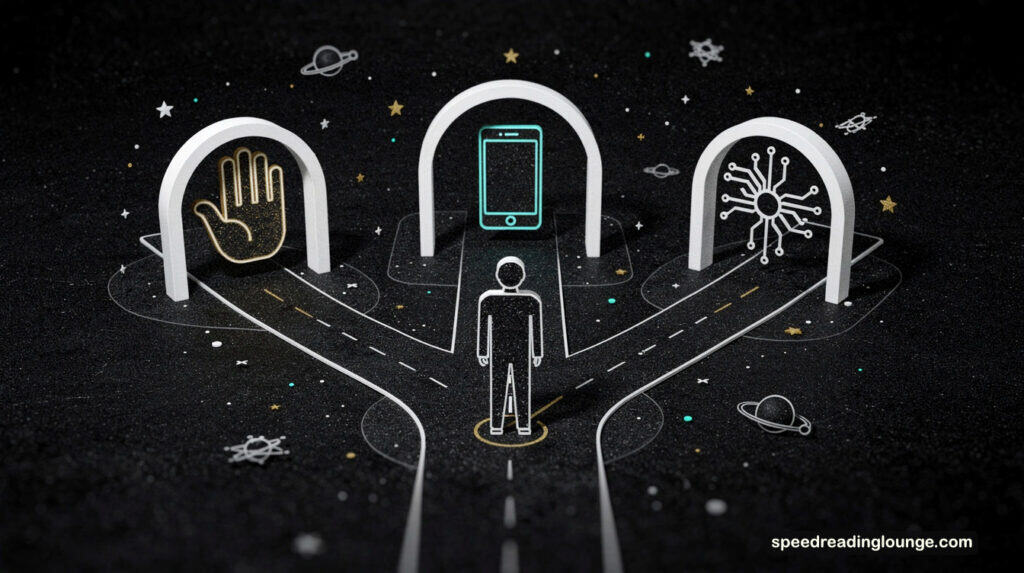
Not all reading demands the same tool. A dense research paper is not an email. A novel is not a news feed. The mistake most readers make is using the same speed and pace for everything, treating a contract like a comic book.
Our 3-Step AI Speed Reading Method offers clarity. It combines AI summarization, traditional pacing, and verification—each playing a distinct role.
Scenario A: Deep Work (Academic or Complex Material)
When comprehension matters more than speed, revert to manual pacing with a stylus on a tablet or a finger on paper. Push above 200 WPM for dense material and retention collapses. Slow down. Use the Pointer Method to maintain rhythm, not to force speed.
Begin with AI summarization tools (ChatGPT, Scholarcy) to extract the skeleton first. This primes your brain. You already know where the argument is going, so the deep read becomes significantly more efficient.
Scenario B: Triage (News, Articles, Emails)
Speed matters here because volume matters. Use mouse pacing paired with structural AI like BeeLine Reader. These tools reduce cognitive load, letting you scan faster without the mental fatigue of manual tracking.
Aim for 400-500 WPM. Your goal is the gist, not perfection. Combine this with skimming and scanning techniques to extract key points without processing every sentence.
Scenario C: Accessibility (ADHD, Fatigue, Distraction)
When focus is the bottleneck, reach for Line Focus Mode in Immersive Reader. This digital version of the Card Method removes visual chaos. You see only what you need now.
Speed is secondary. Comprehension and engagement are primary. Let the tool isolate the signal. Our guide on dyslexia apps covers additional accessibility options.
Each scenario has its own pacer. But how do you actually practice these methods? How do you move from knowing about pacing to integrating it into your daily reading?
Pacing – Comparison & Trade-offs
Every pacer has a cost. Manual pacing demands physical effort. AI pacing trades control for automation. Understanding these trade-offs lets you select the right tool for your current cognitive state.
| Pacing Method | Best Pacing for | Limitations |
|---|---|---|
| Manual (Finger/Stylus) | Deep work, memorization, editing | Cursor drift (eyes decouple from the pointer) |
| Digital (Mouse/Cursor) | Web browsing, news triage, skimming | Cursor drift (eyes decouple from pointer) |
| Structural AI (Bionic) | ADHD focus, dyslexia apps support | Does not increase raw speed; strictly a focus aid |
| Force AI (RSVP) | Scanning simple text (emails/news) | Zero retention for complex concepts above 300 WPM |
Notice the pattern: speed and comprehension move in opposite directions. The faster the tool pushes, the less nuance survives.
Practice Assignment: The 3-Day Experiment
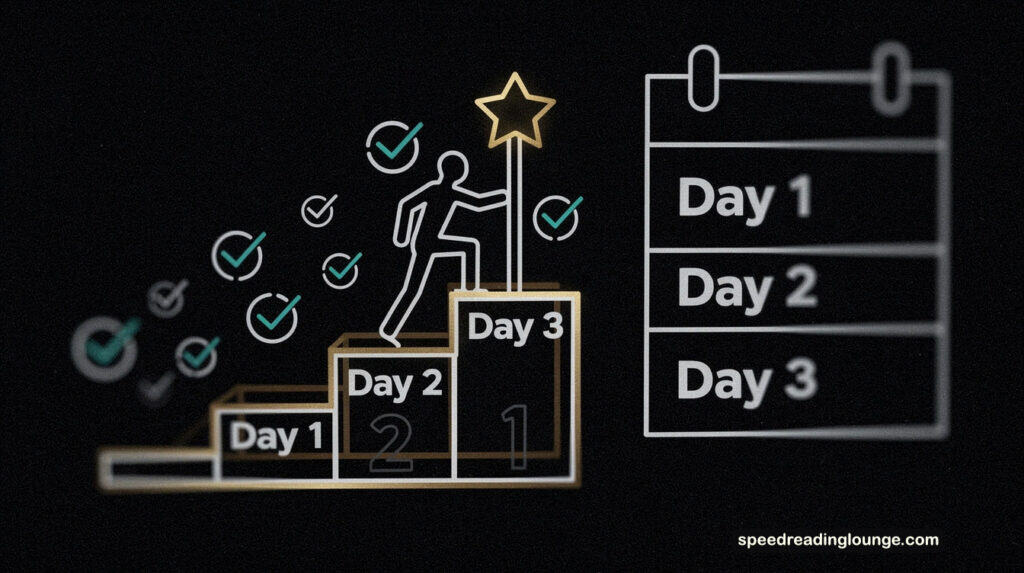
Now comes the hard part. Reading about hand pacing is not hand pacing. You must test the conductor before hiring him.
Day 1: The Manual Baseline
Pick a physical book. Use the Pointer Method for 20 minutes. Ignore speed. Focus on rhythm. Notice when your mind wanders—does the finger stop? This teaches you your actual pace, not the pace you wish you had.
Day 2: The Digital Translation
Install BeeLine Reader or use your mouse cursor on a long article. Match the rhythm from Day 1. If the cursor feels slippery, slow down. If it feels natural, continue.
Day 3: The AI Sprint
Take an article you need to skim. Paste it into Spreeder set to 300 WPM. Does comprehension stick? If not, drop the speed. If yes, bump it to 400.
Hand pacing is not a relic; it is a foundation. Once you master the manual rhythm, digital tools become extensions of your will, not replacements for your attention.
But here’s the truth: you won’t use all three methods equally. One will click. One will become your default. The question is not whether hand pacing works—it does. The question is which version of it will become part of your reading identity.
Summary: Hand Pacing Is Your Reading Anchor
Hand pacing works precisely because it does not magically accelerate your eyes; it syncs them with intention. Your eyes don’t naturally glide smoothly. Your mind doesn’t naturally focus on distraction.
A visual pacer—whether finger, cursor, or algorithm—interrupts chaos while replacing it with rhythm. This separates hand pacing from speed reading hype.
The three pacing modes (manual, digital, AI) form a spectrum rather than alternatives. For example, you start with your hand because it teaches the baseline: what it feels like to read with will rather than reflex. You move your mouse because screens demand it. Furthermore, you can explore AI tools because they handle volume while you preserve focus for depth.
The pacer works only if you commit to it. A tool you abandon is useless. A tool you forget you’re using has become invisible—which means it’s working. The best pacer is the one so natural you disappear into the text instead of drowning in it.
Hand pacing grows more necessary as information volume explodes. Attention is now the scarcest resource.
Go Deeper:
- Explore the 3-Step AI Speed Reading Method to integrate summarization, selective reading, and verification.
- Return to how to speed read for complementary techniques beyond pacing.
- Strengthen your reading comprehension strategies so that velocity serves meaning.
Hand pacing is an act of will. Use it.
Hand Pacing – How To Pace Your Reading
- Use your index finger, pen, mouse cursor, or stylus as your pacer.
- Place your pacer below the first word and move it smoothly along each line.
- Focus on the pacer and the words as your eyes track the motion.
- Your pacer controls the speed to maintain comprehension rates.
- Keep moving forward and avoid skipping back to re-read.
- On tablets, use a stylus; on screen,s try tools for AI pacing.
- Use motion patterns like Zig-Zag, Sweep, or Hop for scanning and previewing.
- Hand pacing anchors your attention, not your speed—this is what makes it work.
Sources for Hand Pacing
- Eye movements and saccadic control – PubMed Central NIH
- Regression in reading comprehension – PMC Center for Biotechnology
- Finger-tracking replaces eye fixations – PMC Center for Biotechnology
- RSVP comprehension drops significantly – PubMed Central NIH
- Gaze-contingent display text enhancement – University of Massachusetts Boston
- Attention span predicts reading ability – Frontiers in Psychology NIH
- RSVP optimal comprehension speed range – International Journal of Design
- Finger-tracking child reading strategies – OpenEdition Books Academia
- RSVP comprehension trade-off – Science Spot UK
Thanks for reading—I’d love to know whether hand pacing actually works for you, or if you’ve found other techniques that anchor your focus more reliably.