
Best Skillshare Classes + Paths 2026
21 best Skillshare classes + paths for designers and AI creatives

Imagine navigating 34,000+ Skillshare classes at once. Most of us will be paralyzed by the possibility, as choice can simply overwhelm. Direction vanishes. Then, scattered courses break your learning into fragments and frustration compounds. Students often quit within weeks.
But structured learning paths change the equation. They guide you step by step. From foundations to mastery without cognitive overload.
Skillshare offers learning paths to address this problem. Curated sequences of popular and specialized classes that flow naturally. Each one transforms choice into focus and new skills. Generative AI. Illustration. Design. Productivity.
We’ve done the review to provide inspiration and a clear starting point. Below are 15 popular paths and 5 of the best Skillshare classes suitable for creatives, entrepreneurs, designers, marketers, illustrators, and AI enthusiasts. Enjoy.
Skillshare Classes – Overview
Skillshare (visit website) invites learners to discover inspiration and deepen creative skills within a thriving community. Whether you’re a student building your first portfolio, a creative refining your craft, or a teacher sharing your expertise, Skillshare offers a range of learning and teaching opportunities.
Categories. The platform houses 34k+ Skillshare classes organized into four essential areas: Business, Technology, Creative, and Lifestyle. Most lessons are pre-recorded videos that you can learn at your own pace. But Skillshare also offers live sessions and workshops where you connect directly with instructors.
Learning Paths. It is better to learn skills in a structured way. Each Skillshare path weaves specific courses together—basics to mastery—matched to what you actually want to achieve. Think of it as a curated roadmap. No random clicking. No decision paralysis. Just thoughtful sequencing that carries you forward.
Certificates. Skillshare skips the traditional certificates. Instead, students create. Finish a project and gain a shareable link for your resume or portfolio. This way, your completed Skillshare classes become evidence of what you’ve learned.
Annual Membership. Annual plans cost $168—about $14 per month. Try Skillshare Premium free for 30 days (view offer) first to see if you like it.
| AI for Artists | Creative Career with AI | Design Like a Pro | FREE 30 Day Trial |
|---|---|---|---|
 |  |  |  |
| AI Illustration Design | AI Tools for Career | AI Design + Tools | All Classes, Paths |
| ★★★★★ | ★★★★★ | ★★★★☆ | ★★★★★ |
| View Course | View Course | View Course | Claim Trial |
| Get 1-Month Free | Get 1-Month Free | Get 1-Month Free | Get 1-Month Free |
*Disclosure: This post contains affiliate links. Read the full disclosure below.
15 Best Skillshare Learning Paths
1. Transform Your Creative Career with AI Tools
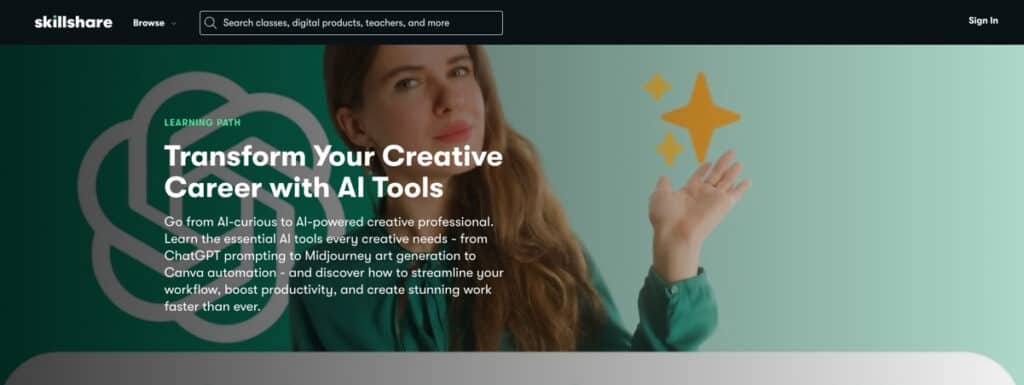
Transform Your Creative Career with AI Tools (visit website) is built for creatives who sense the ground shifting but don’t want to become prompt operators instead of artists. It treats AI as an extension of your judgment, not a replacement.
Eight popular Skillshare classes spanning ChatGPT, Midjourney, and Canva build what matters most in practice. You start by understanding how generative models actually think, which transforms gambling prompts into intentional design.
Midway, the path turns visual. Midjourney for Beginners helps you convert loose ideas into finished concept art in minutes—a shift many freelancers now rely on for pitches and moodboards.
Canva Magic Studio and AI Video Creation fold AI into everyday work, so design decks and social reels stop consuming entire evenings. Branding with AI and Create Your AI Productivity Coach closes the loop: you shape a coherent brand identity and build a personal system that keeps projects moving instead of piling up.
By the end, you own a working AI stack—ChatGPT, Midjourney, Canva—and workflows that match how creative careers actually run in 2026: constant context-switching, tight deadlines, clients who still expect originality.
Topic: Master AI workflows that multiply creative output.
Classes: 8 | Duration: 8h 38m | Level: All Levels
Info: View path. Or, try 1-month Premium for free and all classes.
2. Create with Every Major AI Art Platform
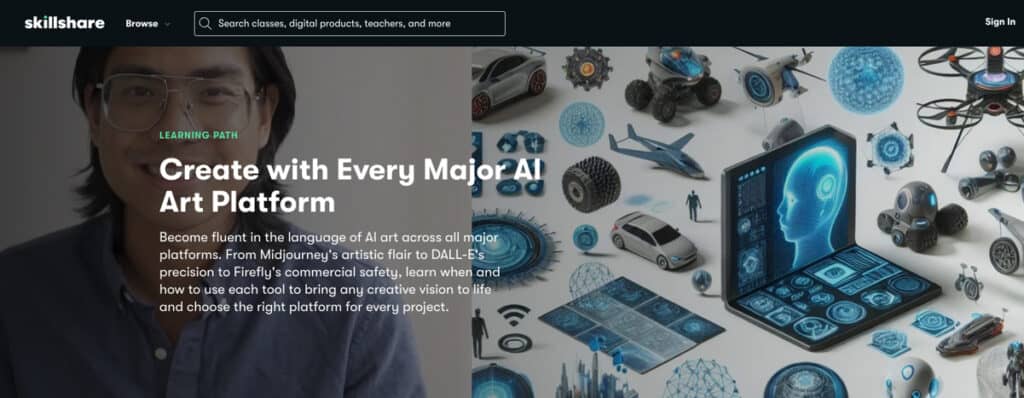
Create with Every Major AI Art Platform (visit website) contains one of the best Skillshare classes for anyone who wants to understand which AI tool to use when. Six classes walk you through DALL-E 3, Adobe Firefly, and Midjourney—not as isolated tutorials, but as a comparative study in what each platform does well.
DALL-E 3 for Beginners teaches precision: commercial-ready images using detailed prompts. Master Adobe Firefly focuses on commercial safety—everything you generate integrates cleanly with Adobe’s ecosystem and avoids licensing nightmares that plague other platforms.
How to Amplify YOUR Creativity aims to shift your perspective: AI enhances your vision instead of replacing it. AI Tools for Concept Art combines Midjourney’s visual generation with ChatGPT’s ideation. The final Skillshare classes teach presentation: turning raw AI output into professional portfolio pieces and graphic design work.
Overall, this is a great Skillshare path for illustrators, designers, and content creators looking to build client portfolios. By the end, you own a multi-platform portfolio, platform-specific prompt strategies, and commercial-ready designs.
Topic: Master multiple AI art tools for commercial creative projects.
Skillshare classes: 6 | Duration: 5h 30m | Level: All Levels
Requirements: Subscription or free accounts needed for tools.
Info: View path. Or, try 1-month Premium for free and all classes.
3. Design Like a Pro with AI Tools
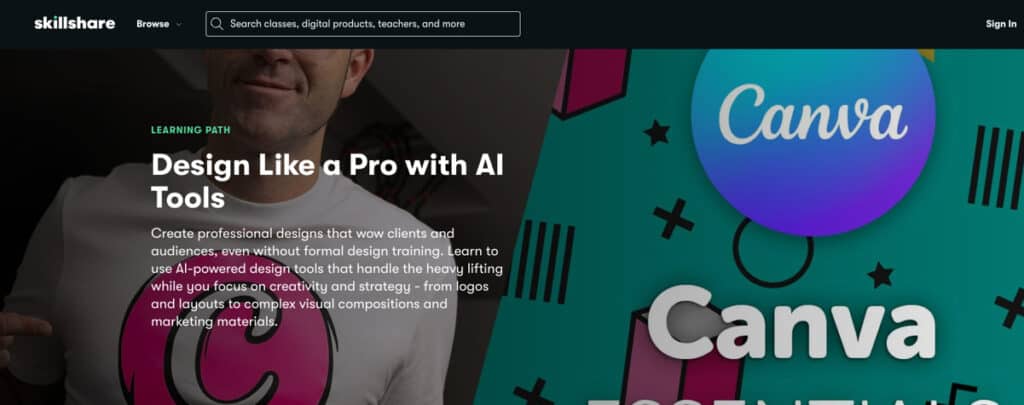
What matters more: knowing every tool’s feature, or knowing which tool solves which problem? Design Like a Pro with AI Tools (visit website) bets on the second question.
Seven Skillshare classes across 17 hours teach platform fluency—Canva, Adobe Firefly, Photoshop, Illustrator—not as separate skills, but as one integrated skill path where each tool picks up where another leaves off.
Right at the start, Canva Design Essentials establishes a foundation of thinking before AI even enters the picture. Canva Magic Studio then shows how AI speeds up decks, social graphics, and video without sacrificing polish.
Master Adobe Firefly focuses on what Adobe does uniquely well: commercial-safe generation that sidesteps copyright concerns entirely. From there, Generative Fill in Photoshop and Text to Vector in Illustrator demonstrate platform-specific integration. Or, how AI fits into the workflows designers already use daily, rather than requiring them to abandon Adobe entirely.
The final Skillshare classes focus on client work. Packaging Mockups and AI-Powered Packaging Scenes train realistic presentation such as taking raw concepts and transforming them into portfolio-grade deliverables that clients actually buy.
This path is excellent for graphic design professionals managing high client volume and tight turnarounds. It assumes you already design and simply need AI acceleration within existing software ecosystems. Upon completion, you hold a professional portfolio, automated templates, and client-ready graphics.
Topic: Integrate AI into professional design workflows using creative tools.
Classes: 7 | Duration: 17h 22m | Level: All Levels
Requirements: Subscription or free accounts needed for tools.
Info: View path. Or, try 1-month Premium for free and the best Skillshare classes.
4. AI for Artists: Amplify Your Creativity with AI
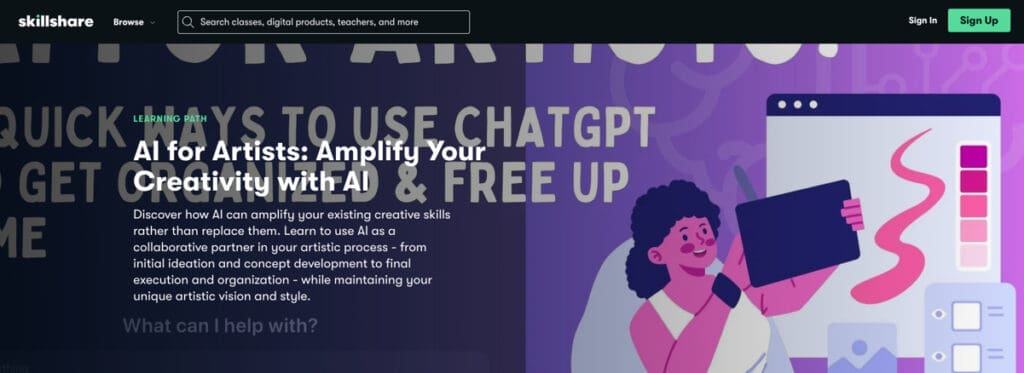
Artists worry AI will replace them. AI for Artists (visit website) takes the opposite stance. It assumes you already possess vision and taste—the parts AI can’t touch—and shows how to reclaim hours lost to admin chaos, project overwhelm, and creative block.
Across six best-rated Skillshare classes, you’ll learn to weaponize ChatGPT for the unglamorous work: organizing scattered ideas into coherent projects, prioritizing paralyzing to-do lists, and generating prompts when stuck.
Then Midjourney and Adobe Firefly enter—not to replace your hand, but to test concepts faster. Generate mood boards in minutes, not hours. Explore visual directions before committing. The path teaches concept art workflows that merge AI generation with your ideation, then closes with presentation techniques that transform rough output into portfolio-grade mock-ups clients actually want.
This Skillshare learning path suits working artists drowning in admin work who need time back for actual making. Where Transform Your Creative Career with AI teaches broad integration, Design Like a Pro with AI targets designers, and AI for Artists protects what matters: your creative voice.
Topic: AI for Artists: Amplify Your Creativity with AI
Classes: 6 | Duration: 4h 18m | Level: All Levels
Requirements: ChatGPT, Midjourney subscription, Adobe Creative Cloud.
Info: View path. Or, try 1-month Premium for free and all classes.
5. Build Your Marketing Strategy with AI Tools
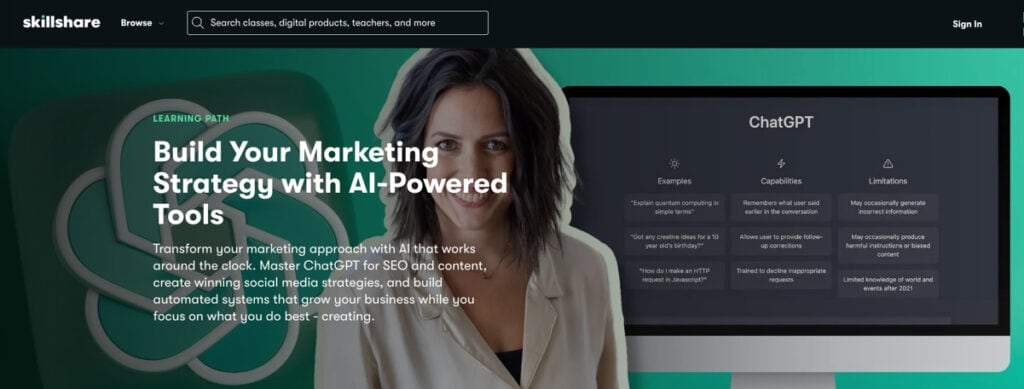
Many new entrepreneurs either invest a lot of their own time or spend money on marketing consultants to answer a simple question: where do I actually start? Build Your Marketing Strategy with AI (visit website) offers a direct path through that maze.
It moves from brand naming and visual identity to complete strategy development, and from there to practical content creation across Instagram, TikTok, and YouTube.
The work begins with ChatGPT as a thinking partner. You learn to shape rough business ideas into actual marketing copy and SEO strategy. That foundation matters.
What comes next—naming your business, designing logos, building brand identity—has no solid ground to stand on without it. From there, you tackle the systems that actually drive growth: content calendars that practically run themselves, social media strategies tailored to each platform, and the ability to measure what works.
These are the best Skillshare classes for solopreneurs and small business owners who are tired of either hiring expensive help or pretending marketing isn’t necessary. The path won’t replace a dedicated marketing team, but it offers something closer to one than you’d build alone.
Pair this with Master Your Productivity with Ali Abdaal if you want to streamline operations beyond just customer acquisition.
Topic: Build a marketing strategy powered by AI.
Skillshare classes: 6 | Duration: 8h 6m | Level: All Levels
Info: View path. Or, try 1-month Premium for free.
6. Master Your Productivity with Ali Abdaal
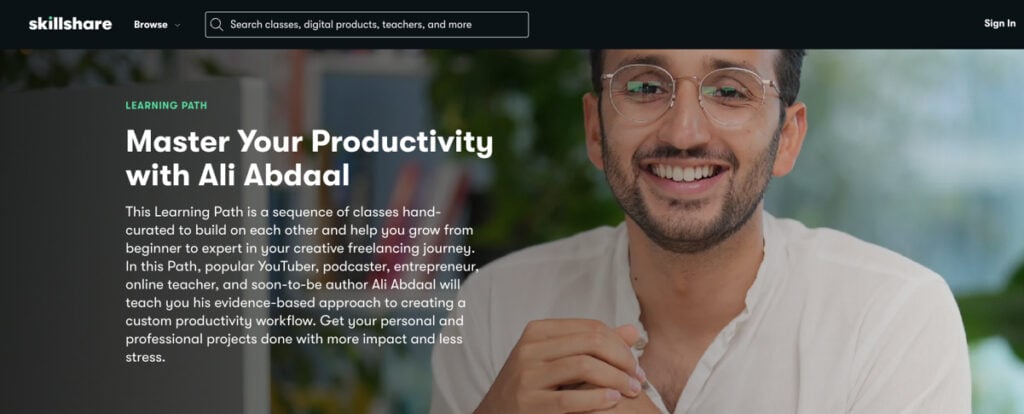
Most people usually aren’t short on creating to-do lists. But more often, they lack a system that actually survives a busy week. Master Your Productivity (visit website) gathers four of Abdaal’s best Skillshare classes into a single sequence. A path that takes you from a productivity mindset through to a full LifeOS dashboard built in Notion.
Ali Abdaal—doctor, YouTuber with millions of subscribers, author—teaches evidence-based productivity, not viral hacks. This Skillshare path starts with principles and tools, and then moves into workflow design for creators. Later, it shows you how to organize your life and work in Notion without drowning in complexity.
But don’t take everything for granted. Building a custom productivity system takes more effort upfront than just grabbing a template. These Skillshare classes suit beginners, overwhelmed knowledge workers, and creatives juggling full-time jobs with side projects.
If you’ve worked through AI-focused paths like Transform Your Creative Career with AI, this is how you reclaim the time and attention needed to actually use those skills consistently. Alternatively, take this AI productivity learning path on Skillshare: Build AI-Powered Productivity Systems (visit website).
Topic: Evidence-based productivity systems for life, work, and creative projects, built around Notion and simple habits.
Classes: 4 | Duration: 7h 52m | Level: Beginner
Info: View path. Or, try 1-month Premium for free and all classes.
7. Build New Skills in Adobe Photoshop
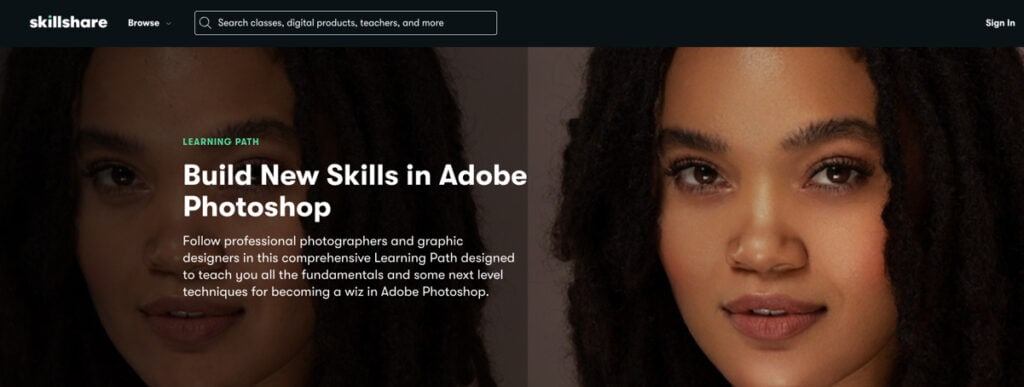
For many beginners, Photoshop feels less like a tool and more like an aircraft cockpit. The Build New Skills in Adobe Photoshop (visit website) path slows that down and transforms the interface into something you inhabit rather than fight.
Across four guided Skillshare courses, photographers and designers walk you through essential tools—layers, selection techniques, non-destructive editing—before you move toward original digital work.
The lessons stay practical throughout. You edit actual photographs, combine text with images, experiment with brushes and masks, and complete finished pieces for your portfolio rather than memorize disembodied menus.
These Skillshare classes serve beginners wanting real skills: stronger social media graphics, work you can show clients, or visuals that elevate a creative side project.
If you later explore animation or AI art through advanced Skillshare classes, this foundation lets those paths feel like a natural progression rather than starting over.
Topic: Learn Photoshop for photo editing and digital art.
Classes: 4 | Duration: 5h 22m | Level: Beginner
Info: View path. Or, try 1-month Premium for free and all Skillshare courses.
8. Learn to Draw: Go Back to Basics With Illustration
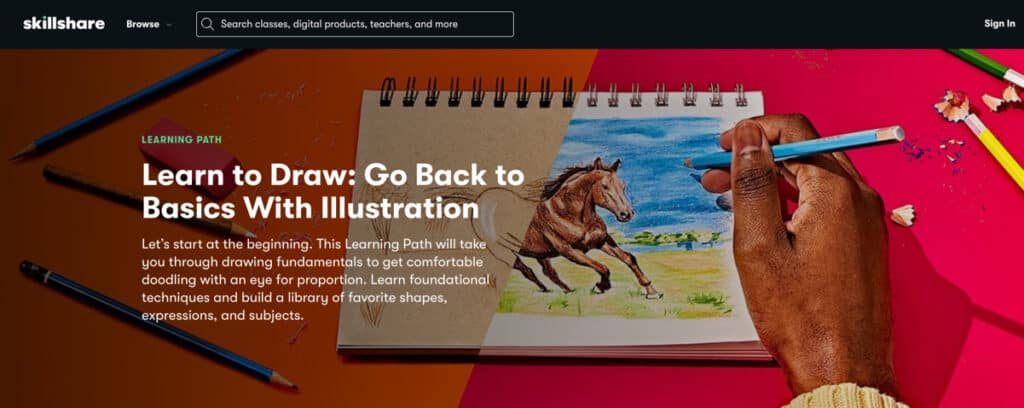
Drawing feels like a gift—something you either inherited or didn’t. True? Well, Learn to Draw: Go Back to Basics With Illustration (visit website) proposes something gentler. That seeing matters far more than talent. That anyone patient enough to actually look can learn to draw.
The sequence of 5 popular Skillshare courses builds your skills from the beginning: how to break a complicated form into simple shapes, how negative space holds things up, or how to develop what artists genuinely call “the seeing eye.”
It will then come down to the real technique. Grids and shading create accurate proportions. Loose gesture work dissolves perfectionism. You draw faces, plants, and textures through multiple exercises, finishing actual completed drawings instead of abandoning half-started sketches. That doesn’t sound like talent anymore, right?
This Skillshare path opens to absolute beginners needing no equipment beyond pencil and paper, and to creatives seeking a stronger visual foundation to support design, illustration, or simply reclaiming agency over what gets drawn.
Pair this with more advanced animation or drawing classes on Skillshare later, which assume you’ve already learned to look and see. This path teaches you how.
Topic: Develop the basics and foundation for drawing skills.
Classes: 5 | Duration: 4h 35m | Level: All Levels
Info: View path. Or, get a 1-month Premium for free to try classes on Skillshare.
9. How to Draw: Brent Eviston’s Drawing Laboratory
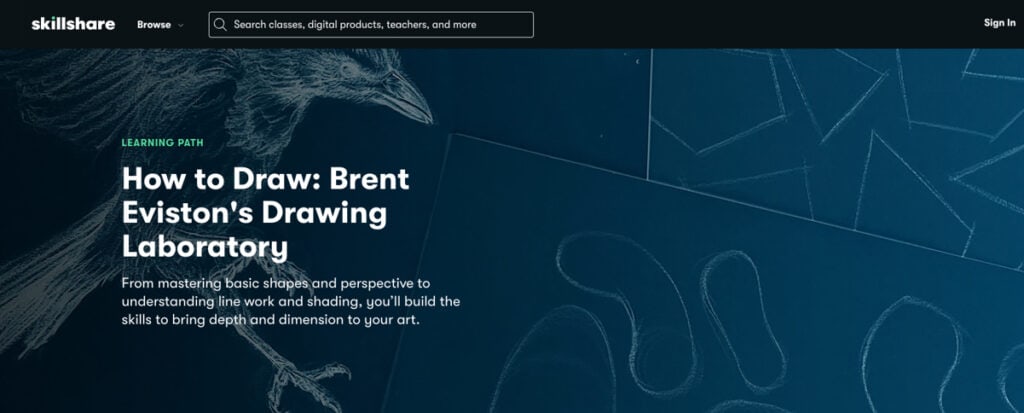
Brent Eviston taught drawing for two decades in studios and galleries before creating one of the most respected drawing programs online.
How to Draw: Drawing Laboratory (visit website) distills that experience into a structured four-class learning path that asks nothing except willingness to learn. Thus, you begin with shapes and proportion—learning to actually see proportion rather than approximate it.
Drawing three-dimensional forms is among the next challenges, followed by perspective that makes space genuinely believable. A class on line work will then cover how a single mark can carry expression and describe what you’re looking at. But only shading will tie it together, the final skill that can transform a sketch into something complete.
However, this isn’t a weekend project. The value lies in how methodically each section builds on the last, and in how Eviston explains principles other instructors leave implied or assume you’ve absorbed elsewhere.
These best-rated Skillshare classes draw serious learners pursuing illustration, animation, or design work—anyone who wants drawing skills that feel genuinely earned. If you’ve completed the Learn to Draw path, this Laboratory deepens those observation habits into a diverse, strong drawing skill set.
Topic: Drawing mastery. Shapes, proportion, line work, shading, etc.
Classes: 4 | Duration: 19h 15m | Level: All Levels
Info: View path. Or, try 1-month Premium for free and all courses.
10. Go From Idea to Finished Animation as a Beginner
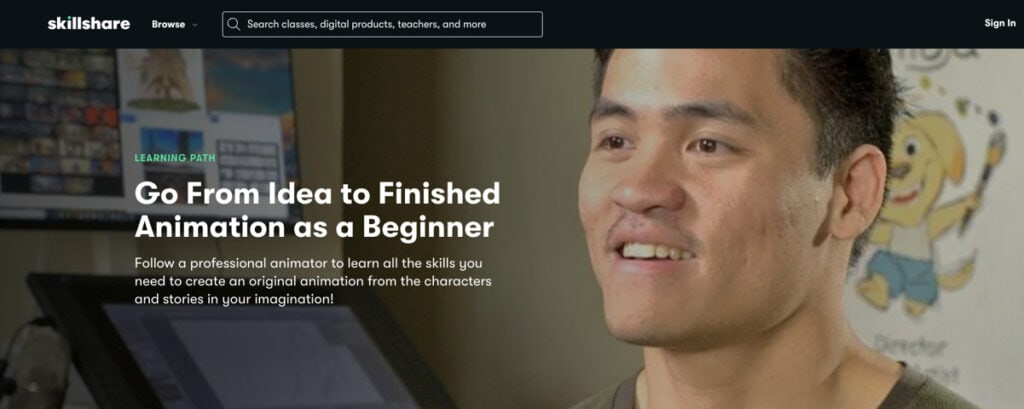
Aspiring animators are often convinced they need years of drawing skill and software mastery to create something great. Go From Idea to Finished Animation as a Beginner (visit website) argues otherwise by walking you through an entire animation from story to finished piece in just over four hours.
Bundling the 5 best Skillshare classes for this topic, the path follows and teaches the professional workflow. You learn storyboarding first because planning on paper saves hours of wasted animation later. Breaking your idea into panels teaches you shot composition, pacing, camera angles—how to think visually before you draw a single character.
Then comes character design with Toniko Pantoja, who spent a decade at DreamWorks crafting personalities for films people remember. He shows you how poses communicate a story, how expressions reveal emotion, and why contrasting character designs serve the narrative rather than just look different.
Adobe Animate enters last, when you finally understand what you’re trying to make. Frame-by-frame movement, timing, easing into motion, and adding backgrounds that support action without competing with it.
You will complete an original animated short plus three character designs ready for a portfolio. This popular Skillshare path suits beginners, those testing whether animation resonates, content creators discovering moving images as a form of storytelling, and anyone curious about whether they can make something that moves.
Topic: Full animation pipeline: Concept, storyboarding, character design, etc.
Classes: 5 | Duration: 4h 8m | Level: Beginner
Info: View path. Or, try 1-month Premium for free and all classes.
11. Graphic Design Basics: Start Exploring & Expressing
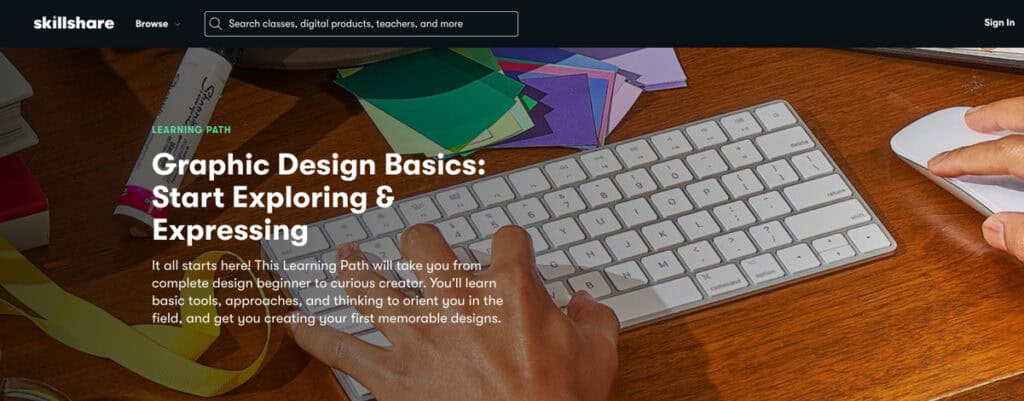
Design education often lives inside software menus. Graphic Design Basics (visit website) operates elsewhere—in the thinking that precedes the tool.
Ellen Lupton and Jennifer Cole Phillips distill the insights from their influential textbook, Smithsonian’s Design Collection, into a best-rated Skillshare path that guides beginners in graphic design from confusion to genuine design fluency.
The curriculum rests on five principles: symmetry against asymmetry, scale as visual weight, framing as attention control, hierarchy as information sequencing, and grids as structural foundation.
Rather than isolating each in theory, these best Skillshare classes show you principles at work. By the end, you’ll have four portfolio-ready projects, a working grasp of typography, color, and layout, and a clearer sense of whether these are simply fun classes to take—or the first step toward a graphic design career.
Topic: Start with design fundamentals. Build four portfolio pieces from scratch.
Classes: 4 | Duration: 4h 12m | Level: Beginner
Info: View path. Or, try 1-month Premium for free.
12. Start Your Video Editing Journey with Adobe Premiere Pro
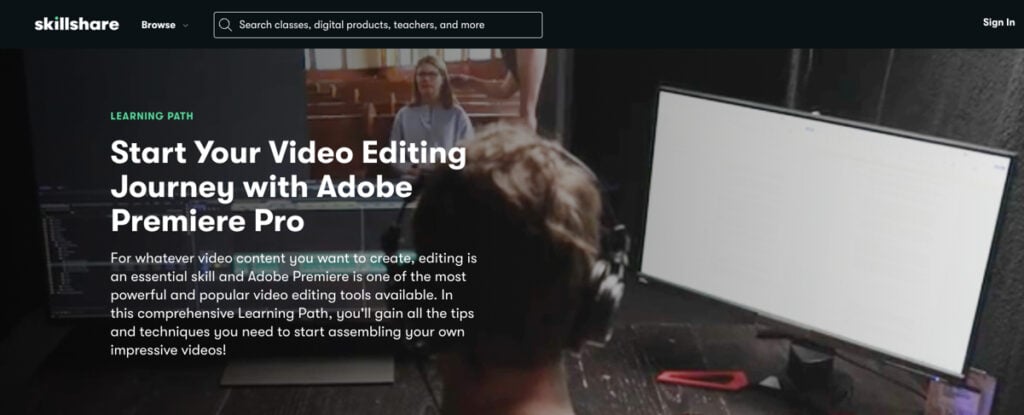
Raw footage sits inert. The moment you organize it, cut between scenes, add music, shift color—something alive emerges. Start Your Video Editing Journey with Adobe Premiere Pro (visit website) teaches this transformation through hands-on projects rather than feature menus.
Instructor Jordy Vandeput walks you through the workspace, how the timeline functions, and why clip arrangement shapes storytelling. You learn smooth cuts through match editing and invisible transitions that preserve pacing.
That’s not all. You will also animate text using keyframes and adjust color to set the mood. Audio mixing is another important topic, and thus how sound supports image, when silence speaks louder than music.
By the end, you’ve assembled a professional how-to video. Not just a sample or exercise, but something finished you’d share. This path contains some of the best Skillshare classes for anyone who wants real control over assembly.
You’ll grasp why cuts matter, and when transitions actually serve narrative. And how audio distinguishes those who understand editing from those who merely concatenate clips.
Topic: Master Premiere Pro interface, timeline, transitions, graphics, audio.
Classes: 4 | Duration: 5h 52m | Level: Beginner
Info: View path. Try a free 1-month Premium trial.
13. Intro to DSLR Photography: Go Manual

Your DSLR defaults to automatic mode, making guesses about every shot? It fails in low light, blows out in bright sun, and leaves you wondering why your images feel uninspired. Intro to DSLR Photography (visit website) teaches you to stop letting the camera decide and start commanding the frame yourself.
The path contains 4 popular Skillshare classes and opens with the exposure triangle—aperture, shutter speed, and ISO—three levers that determine how light or dark your photograph appears. Aperture controls background blur and depth. Shutter speed captures motion or renders it as motion blur. ISO trades sensitivity for grain, and understanding this trade matters more than knowing the numbers.
Once that is done, you move outside, into landscapes and portraits that demand different thinking, different settings, different lighting. Look forward to composing, working with available light, and beginning to recognize why a particular aperture or shutter speed carries emotional weight.
Eventually, you finish with a portfolio collection—outdoor photographs and edited portraits that prove competence. This path reaches anyone who owns a DSLR and has abandoned manual mode, or who has admired work they couldn’t replicate.
Topic: Master aperture, shutter speed, ISO, and outdoor portrait fundamentals.
Classes: 4 | Duration: 4h 48m | Level: Beginner
Info: View path. Or, try 1-month Premium for free and all classes on Skillshare.
14. Craft Your Dream Career Path
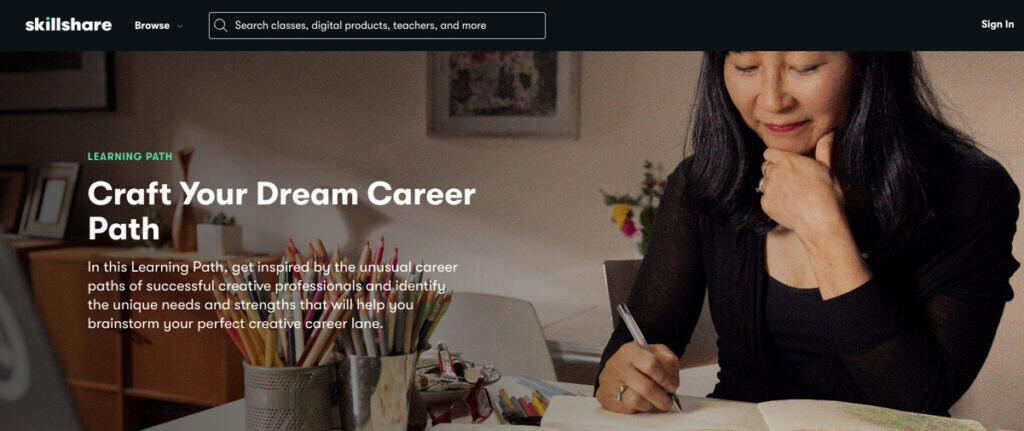
A creative journey often feels like a series of detours rather than a straight path. We’ve developed a range of skills, but clarity about which ones truly matter and what direction will lead you to our goals often remains elusive.
The Craft Your Dream Career Path (visit website) begins with honest stories from creatives who chose to abandon traditional paths and build unconventional careers aligned with their values. It then guides you through a structured exploration of your own direction.
The work begins with a narrative. Working artists, illustrators, and entrepreneurs share how they pivoted, what purpose meant in practice, and how uncertainty became a foundation.
You then complete seven self-assessment exercises that reveal patterns in your past. This includes the skills you deploy unconsciously, the settings where you genuinely thrive, and what success actually requires of you. Students then write a mission statement, map what can and cannot bend, and draft initial moves grounded not in fantasy but in what comes next.
By the end, you will have created worksheets, documented your vision on video, and identified a first step you can take this week. This path reaches creatives who are doubting their current alignment or are overwhelmed by possibilities. It teaches that dream careers aren’t found—they’re crafted through honest self-appraisal and small, intentional decisions made repeatedly.
Topic: Career pivots, purpose discovery, and actionable planning.
Classes: 4 | Duration: 3h 42m | Level: Beginner
Info: View path. Try a free 1-month Premium trial and all Skillshare classes.
15. Your Creative Business: Build It, Brand It, Launch It
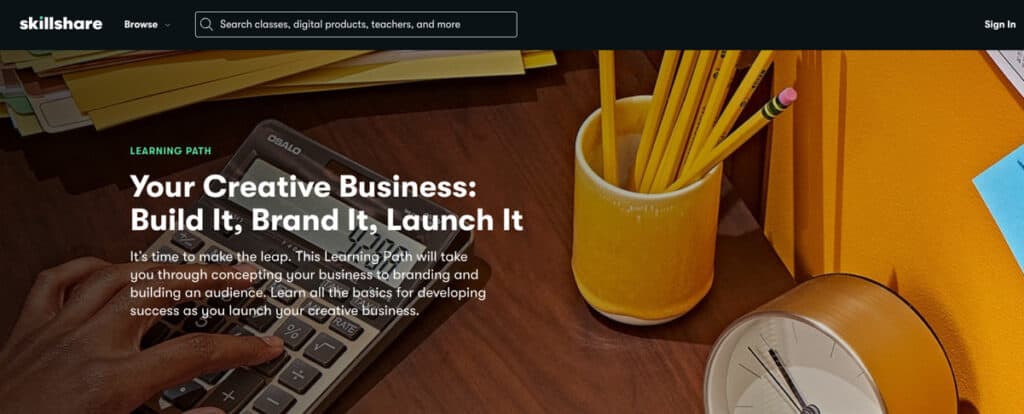
The chasm between owning a creative skill and sustaining yourself through it widens faster than most anticipate. Your Creative Business (visit website) navigates that chasm with precision, moving from concept through execution and the harder work of building a genuine audience.
You sketch a business model that reflects how you actually want to live, not a theoretical income target divorced from your lifestyle. Furthermore, you build your brand narrative—the story that distinguishes your work from every other creator vying for the same attention.
Over the course, students will also architect their social strategy beyond follower vanity, cultivating connections with people who genuinely value what emerges from their hands. They establish a digital presence that consistently echoes your brand, building a foundation that withstands algorithm shifts and platform changes.
In a nutshell, you formalize business systems, codify brand principles, and establish success measures that feel yours rather than inherited. This path includes one of the best Skillshare classes for creatives ready to monetize without hollow compromises, as well as those intimidated by business terminology or stuck at the first steps.
Topic: Business concept, brand narrative, social presence, audience building.
Classes: 6 | Duration: 7h | Level: All Levels
Info: View path. Or, get 1-month Premium for free to try the best Skillshare courses.
Tip: If you look for Skillshare alternatives, browse our lists of the best speed reading classes, or LinkedIn courses, and Udemy courses.
5 Best Skillshare Classes (Individual)
1. Speed Reading Mastery – Double Reading Speed

Designed by speed reading coach Jordan Harry, this Skillshare class (visit website) will walk students through the art of efficient reading and greater retention. Furthermore, learners will master the craft of memorization, comprehension, and retention, and apply these skills across various domains of education and learning.
Upon enrolling, you will begin with lectures on shifting your readership mindset, training your memory, and aligning your readership with your near-term goals. From here, students will proceed towards the application. Some core concepts include mind mapping, storytelling, and memory-improving habits. The last lessons will teach learners various drills to help them retain information and process it faster.
Jordan’s class also offers a certificate of completion upon completion and bonus content, including lectures on speed reading with Dyslexia and the e-book “The Quick Guide to Speed Reading.” He also teaches some AI tools to improve productivity.
Instructor: Jordan Harry | Rating: 4.7/5 ★★★★☆
Info: View Course page. Access to all Skillshare classes.
2. ChatGPT for Creatives: AI SEO, Marketing, & Productivity
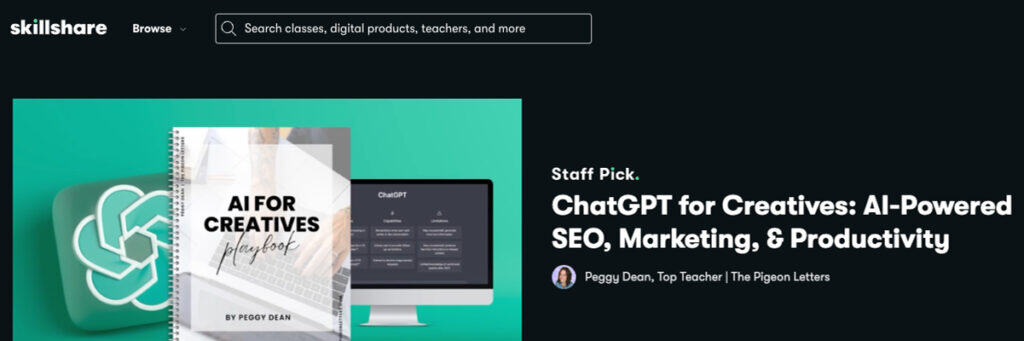
Peggy Dean treats AI without ceremony or dread. ChatGPT for Creatives (visit website) opens from a position of simple realism: the tool exists, anxiety doesn’t help, and what matters is learning to integrate it without dissolving your voice.
She addresses what other tutorials dodge—how to prompt with precision so ChatGPT delivers what you actually need, not templated nonsense. You grasp the distinction between casual requests and what she calls “power prompts,” structured language that reliably produces professional work.
This Skillshare class travels through genuine applications. Blog content and social captions. Subject lines that drive opens. Research workflows reclaiming time. SEO work on existing output.
Throughout, Peggy shares her actual prompts—the templates she uses at The Pigeon Letters, her own creative business. You receive formulas, not theory. You adapt them to your context. She guards your voice fiercely, demonstrating exactly how to instruct ChatGPT to write like you, not like branded automation.
The assignment builds automated workflows for your creative business using these templates. This is one of the best Skillshare classes aimed at creatives consumed by admin work, or those suspicious of AI hype but curious about genuine application.
Instructor: Peggy Dean (Skillshare Top Teacher) | Rating: 4.8/5 ★★★★★
Info: View Course page. Try all Skillshare courses with Premium.
3. Productivity Masterclass – Principles and Tools

Doctor and YouTuber Ali Abdaal has curated his popular masterclass (visit website) on the principles of productivity for individuals of all professional and educational levels. Abdaal begins with a productivity equation and dives deep into related concepts.
By enrolling in this Skillshare class, learners will follow the lecturer as he dissects long-standing myths about productivity. Next is an incisive breakdown of key laws of physics and their practical applications to boost work efficiency.
Other concepts taught include myths about multitasking, productive downtime, productive procrastination, and the power of habits. Learners will finish each lecture with a reflective practice to improve their soft skills. To get the most out of these practices, students must engage with the given writing prompts each time they finish a lecture.
With an almost exclusive assortment of favorable reviews, Abdaal’s class remains one of the best Skillshare courses reviewed by learners.
Instructor: Ali Abdaal | Rating: 4.8/5 ★★★★★
Info: View Course page. Get 1-month Premium trial to try all Skillshare courses.
4. iPhone Photography: Take Pro Photos

Dale McManus’ iPhone Photography (visit website) is a compact 1-hour class directed at beginners. It covers most of the foundational principles that rookies aspiring to become professional digital photographers must know. All the skills taught in the course can be applied with minimal heavy-duty camera equipment.
Your iPhone camera or a similar smartphone device would more than suffice. This best-rated course is designed for beginner-level photographers looking to hone their skills without spending thousands of dollars.
Upon enrolling in the class, you will learn how to create stunning photos using shot composition, optimizing iPhone settings, creating depth, telling stories with pictures, and other valuable tricks. In the capstone project, learners will have the opportunity to showcase their creative progress by uploading photos to the photo gallery.
Instructor: Dale McManus | Rating: 4.6/5 ★★★★☆
Info: View Course page. Get 1-month Premium trial to try all Skillshare classes.
5. Creating Your Dream Career: Uncover & Apply Your Creative Strengths

Taught by artist & cultural geographer Holley M. Kholi-Murchison (visit website), this Skillshare class targets creatives and entrepreneurs. In it, you will find tools to help you shape your vision. These include writing exercises and PDF worksheets you can use while unpacking your past.
According to Holley, the influences of your past experiences can “become the building blocks to a more meaningful career”. She shares stories from her own journey to deliver her insights and guidance. You share your action plan or vision in the hands-on project.
This is one of the best Skillshare classes in the career section, one that just about everyone can take and find value in. With a premium membership, students can access all other courses to further advance their career and business skills.
Instructor: Holley M. Kholi-Murchison | Rating: 4.8/5 ★★★★★
Info: View Course page. Get a free 1-month Premium trial to try Skillshare courses.
The list above, of course, is not comprehensive. There are many other interesting paths and classes on Skillshare. Here are a few more.
Browse all learning paths on Skillshare.
- Midjourney: Create Professional AI Art (view)
- Become a Canva Expert for Digital Asset Design (view)
- Adobe Illustrator: Master Creative Techniques (view)
- Grow Your First YouTube Channel (view)
- Making and Preparing Art for Print in Procreate (view)
Choosing The Best Skillshare Classes – Tips

Over one hundred Learning Paths now map terrain across design, illustration, business, photography, video, productivity, AI, and career development. Each contains three to ten top Skillshare classes arranged in a deliberate sequence.
Start with what you’re actually trying to accomplish. Are you testing whether animation appeals to you, pivoting toward freelance work, or solving a concrete problem? This may be finishing a design project, launching a business, or mastering an industry tool. Name the destination first. The path becomes obvious once you do.
Time matters more than ambition. Some paths compress into four hours. Others span twenty. Neither is superior. An hour of sustained attention beats abandoned plans. Match the duration to what your life actually permits, not what you wish it did.
Assess where you’re beginning. Beginner Skillshare classes teach from the ground up. All Levels paths contain courses that welcome curiosity without assuming prior knowledge. Advanced paths expect you’ve already worked in the medium. Honesty about your starting point saves months of frustration.
Look at what you’ll make. Finished animation. Complete brand identity. A business system that functions. The strongest paths don’t exist in theory—they produce something tangible you own and can show.
When multiple paths and Skillshare courses genuinely compete for your attention, lean toward AI or productivity first. These are force multipliers. Better prompts accelerate every creative discipline. Smarter systems unlock time for everything else. Master the underlying leverage, then layer on specific craft.
In a nutshell, the best Skillshare course and path isn’t the trendy one suggested in your feed or the class with the longest curriculum. It’s the one that answers your actual questions and addresses your learning goals and prospects.
Bonus: Get a 1-month Premium trial to try popular learning paths.
Skillshare Classes – Pros and Cons
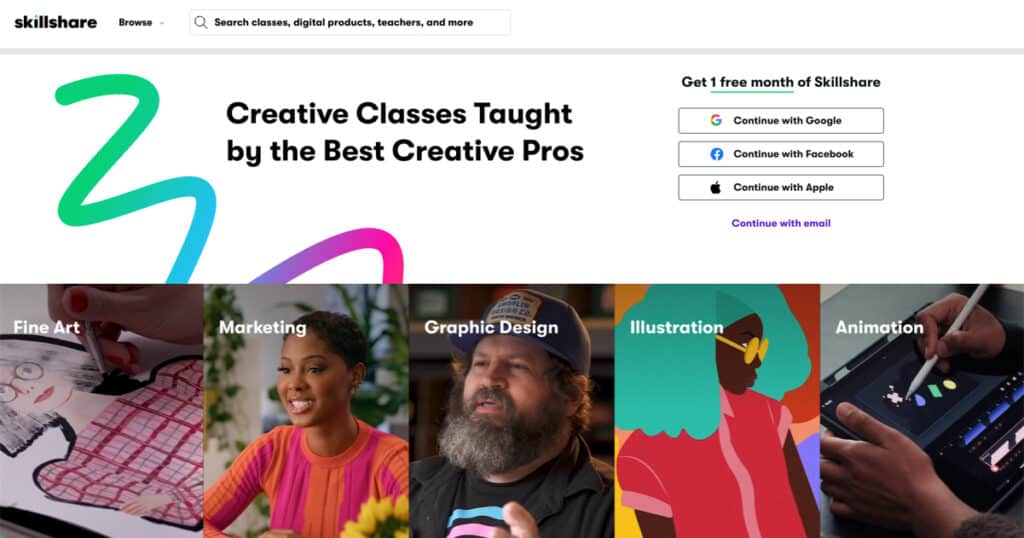
Skillshare’s biggest strength lies in the sheer variety of courses available on the site. With unlimited access to over 35K+ Skillshare courses, it’s easy to see why the platform has gained such popularity. There are a few areas to keep an eye on, though.
Bear in mind that Skillshare does not require teachers to meet prerequisites to feature their classes on the platform. Essentially, anyone can become a teacher on Skillshare. Quality varies wildly—some instructors are thoughtful teachers; others clearly filmed once and moved on.
That said, some of the best Skillshare classes often come from the platform’s Original series, which tends to feature higher-quality content.
Learning Paths help eliminate the exhaustion of choice by having someone curate the sequence, so you don’t waste time wondering what comes next. And the class projects aren’t theoretical. You actually make and create things.
Thus, a portfolio builds alongside your learning, which matters when your work is your credibility. The community isn’t performative, and people actually give thoughtful feedback. I really like that.
However, the certificates likely mean nothing to hiring managers. This platform rather rewards you in competence, not credentials.
In other words, Skillshare rewards people who make things. If your credibility comes from your portfolio—your designs, animations, websites—this platform delivers. If you need employers to recognize a certificate, you need to look elsewhere. The value isn’t in the badge. It’s in the work you finish and what that work proves about you.
The annual commitment ($165–168) feels heavy if you’re uncertain, and cancellation erases everything. There’s no ownership once you leave. If you need coding, data science, or technical depth beyond creative tools, Skillshare feels rather shallow.
Skillshare Pros
- Wide Range of Courses: Covers creative and professional skills.
- Affordable Pricing: Economical annual subscription model.
- Project-Based Learning: Courses encourage hands-on practice.
- Community Interaction: Engage with peers and instructors.
- Flexible, Self-Paced: Easy to fit into busy schedules.
- Creative Focus: Great for artistic and practical skills.
- Regular Updates: New content added frequently.
Most Important Pros: Affordable pricing, course variety, project-based learning, and community engagement.
Skillshare Cons
- Non-Accredited: No official certifications.
- Quality Varies: Courses differ in quality due to user-generated content.
- Limited Advanced Content: Stronger in beginner/intermediate levels.
- Online Access Only: No offline viewing options.
- Subscription Only: No option to buy individual courses.
- Auto-renewal: May catch some off guard.
Most Important Cons: Non-accredited, variable quality, and limited advanced courses.
Tip: Browse our list of the best AI summarizers and AI text-to-speech apps for even more productivity and learning efficiency.
Skillshare vs Coursera, Udemy, LinkedIn Learning
Skillshare isn’t the only platform that makes sense. Depending on what you’re building toward—credentials employers actually recognize, ownership of what you buy, creative portfolio work, or corporate advancement—different platforms excel in different terrain.
| Platform | Best For | Count | Pricing | Certificates | Primary Focus |
|---|---|---|---|---|---|
| Skillshare | Creative professionals | 34K+ | $168/year | No (completion only) | Project-based portfolio building |
| Udemy | Skill-specific learning | 250K+ | $20-200/course | Basic | Practical skills, lifetime access |
| Coursera | Academic credentials | 10K+ | $399/year or $59/month | Accredited | University-backed courses, degrees |
| LinkedIn Learning | Professional development | 17K+ | $240/year | Yes | Career skills, LinkedIn integration |
Skillshare vs Udemy
Skillshare operates on an unlimited subscription. Pay annually, access everything until you cancel. Udemy sells courses individually for $20 to $200 each, though prices drop frequently. And once purchased, you own the courses permanently.
Skillshare narrows its focus to creative work: design, video, illustration, and animation. Practical projects matter more than just watching lessons. Udemy courses, on the other hand, span everything—coding, business analytics, music production, and marketing. Their 250K+ courses also highly vary in quality from exceptional to questionable because anyone can teach.
If you’re building creative capacity, prefer paying an annual fee rather than accumulating individual purchases, want community feedback on your work, and value curated paths through material, Skillshare is ideal. Udemy works if you want permanent ownership without subscription dependency, need specific technical skills like programming or data analysis, or simply want the broadest selection available.
Skillshare vs Coursera
Skillshare focuses on creativity and offers short courses running one to three hours, with no deadlines. Coursera is a completely different beast, offering university partnerships with Yale and Stanford, accredited certificates that carry weight with employers, and full degree programs. For $59 per month, you get recognized certification and teacher support, with deadlines and structured progression.
Thus, Coursera is a better choice when you need employer-recognized degrees or certificates, want university-level instruction, are pivoting careers and need credentials to substantiate the shift, or thrive under structured deadlines that force completion.
Skillshare vs LinkedIn Learning
LinkedIn Learning emphasizes professional skills—business strategy, leadership, and enterprise software—at $240 annually, with certificates that integrate directly into your LinkedIn profile. This platform helps advance careers inside traditional companies.
Overall, Skillshare serves designers, video creators, and artists who need portfolio pieces as proof of capability, value community feedback, and operate with cost sensitivity.
LinkedIn Learning, on the other hand, serves people climbing corporate structures, needing certificates visible on LinkedIn profiles, requiring business or leadership training, or working in environments where LinkedIn presence carries professional weight
Bonus: Get a 1-month Premium trial to try popular learning paths.
Best Skillshare Courses 2026 – Review Verdict
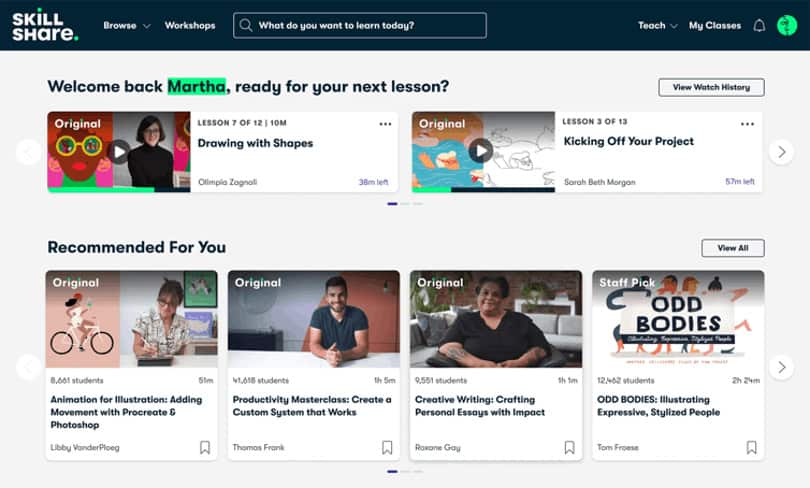
Summing up our look at the best Skillshare classes, it’s clear that despite some imperfections, Skillshare has become a leading e-learning platform for learners, practitioners, and teachers alike. Its standout feature is the incredible range of skills offered at accessible, reasonable prices.
Skillshare works exceptionally well for:
- Designers, artists, photographers, and video creators building portfolios.
- Freelancers launching or scaling creative businesses.
- Content creators on YouTube, Instagram, and TikTok needing visual skills.
- Entrepreneurs wanting creative and marketing capabilities.
- Lifelong learners exploring creative passions without career pressure.
- Anyone building a body of work rather than credential collection.
- Creatives integrating AI into their workflow without losing artistic voice.
Ultimately, individual differences in learning styles and instructor approaches may be the deciding factors in determining if this popular online community is the right fit for you. With the $168/year subscription plan, Skillshare courses are available at an affordable rate.
You can explore them with a free 1-month Premium trial here.
Best Skillshare Classes and Paths for Creatives
Skillshare Paths
- Transform Your Creative Career with AI Tools
- Create with Every Major AI Art Platform
- Design Like a Pro with AI Tools
- AI for Artists: Amplify Your Creativity with AI
- Build Your Marketing Strategy with AI-Powered Tools
- Master Your Productivity with Ali Abdaal
- Build New Skills in Adobe Photoshop
- Learn to Draw: Go Back to Basics With Illustration
- How to Draw: Brent Eviston’s Drawing Laboratory
- Go From Idea to Finished Animation as a Beginner
- Graphic Design Basics: Start Exploring & Expressing
- Start Your Video Editing Journey with Adobe Premiere Pro
- Intro to DSLR Photography: Get Confident & Go Manual
- Craft Your Dream Career Path
- Your Creative Business: Build It, Brand It, Launch It
Best Skillshare Classes + Courses (Individual)
- Speed Reading Mastery: Double Your Reading Speed
- Graphic Design Basics: Core Principles for Visual Design
- iPhone Photography: How to Take Pro Photos On Your iPhone
- Basic Skills: Getting Started with Drawing
- Productivity Masterclass – Principles and Tools
- ChatGPT for Creatives: AI-Powered SEO, Marketing, & Productivity
How to Learn Effectively with Skillshare – 6 Tips
A Skillshare subscription gives you access to all Skillshare courses, but won’t teach you anything. The tips below help you build real capability, not just consume content.
1. Define deliverables before you start
Name what you’ll create, not what you’ll “learn.” Three Instagram templates for your business. One edited product video. A logo redesign for a friend’s project. Tangible outputs force completion. Vague goals produce nothing you can show or use.
2. Download entire paths during free trial
Skillshare’s offline feature lets you download Skillshare classes permanently, even during your trial period. Download some Learning Paths before day thirty. Even if you cancel, those files remain accessible offline. This isn’t exploitation, it’s the strategic use of platform features most subscribers ignore entirely.
3. Share unfinished work in class galleries
Post projects at 50% completion, not when they’re perfect. Early feedback prevents wasted hours polishing the wrong approach. Community critique spots issues you’ve stopped seeing. Waiting until your work feels “ready” usually means you never share at all, thereby missing the learning that comes from iteration.
4. Use class projects as real client work
Don’t create throwaway assignments. Apply Skillshare class projects directly to paid work or personal business needs. Learning design? Redesign your actual website. Learning video editing? Cut real client footage. The pressure of real stakes accelerates skill development faster than hypothetical exercises ever could.
5. Teach concepts within 24 hours
Explain what you learned to someone else before the day ends. Record a voice memo walking through techniques. Write a short explanation for a colleague. Teaching forces clarity that you don’t develop through passive watching. If you can’t explain it simply, you haven’t learn it yet.
6. Pair Skillshare courses with AI for instant practice
Use ChatGPT to generate unlimited practice briefs matching your skill level. Learning logo design? Ask for fifty fictional client scenarios. Learning animation? Request character backstories. AI creates infinite practice opportunities, whereas Skillshare courses give you three assignments and then stop.
In a nutshell, learning happens in creation, not consumption. Treat Skillshare classes as workshops where you build alongside instructors, not entertainment you watch. Growth lives in doing.
FAQs Skillshare Classes and Paths
Is Skillshare worth it in 2026?
For creatives building portfolio skills—design, video, art, photography—the answer is yes. An annual subscription for unlimited access to 35K+ Skillshare courses and curated Learning Paths delivers value if you actually use it. However, it is not worth it if you need accredited certificates or technical skills like coding.
Does Skillshare offer a free trial?
Yes, 30 days free. Access everything. Download your favorite or the best Skillshare courses offline. Cancel before the trial ends to avoid the $168 charge. Cancellation works without friction.
Try with a free 1-month Premium trial here.
Do Skillshare certificates matter to employers?
No. Skillshare certificates are non-accredited completion records with zero hiring weight. Your value comes from the portfolio work you make, not certificates proving you watched. If you need recognized credentials, use Coursera or LinkedIn Learning.
How do I cancel my Skillshare subscription?
Log in → Account Settings → Payments → Cancel Membership.
Cancellation takes effect at the end of your billing period—you keep access until then. There are no partial refunds for mid-cycle cancellations. Thus, set a reminder before your trial expires.
How many Skillshare Learning Paths are available?
Over one hundred paths now cover design, illustration, business, photography, video, productivity, AI, and career development. Each maps specific skill-building terrain, with curated class sequences that take you from beginner foundations to advanced application.
What’s the best Skillshare Learning Path for total beginners?
Depends where you’re headed. For Creative work: Graphic Design Basics or Learn to Draw. For AI integration: AI for Artists. Business building: Build a Marketing Strategy with AI. Productivity: Master Your Productivity with Ali Abdaal. All these Skillshare classes assume zero prior experience.
What’s the difference between Learning Paths and individual Skillshare courses?
Learning Paths sequence 4-10 classes deliberately, progressing from foundation to advanced. Individual courses stand alone. Paths eliminate decision paralysis and wasted backtracking. One gives you structure. The other assumes you already know what you need.
What’s Skillshare’s refund policy?
Seven days from purchase—strict window. Email help@skillshare.com to request. After seven days, nothing. One refund allowed per lifetime. Use the free 1-month Premium trial to evaluate before paying.
What are the best Skillshare classes? Please share your favorite list in the comments below. If you have any questions, feel free to use our contact form to get in touch.
Sources: AI speed reading guide | What is Graphic Design? – 1 | What is Productivity? – 2 | What is Illustration? – 3 | Pros and Cons of Online Learning (MIT) – 4 | Harvard Online: Shaping the Future of Online Learning – 5
Disclosure: This post contains affiliate links. Speed Reading Lounge may receive a commission for purchases made through these links. It does not add any extra costs. All reviews, opinions, descriptions, and comparisons expressed here are our own.